


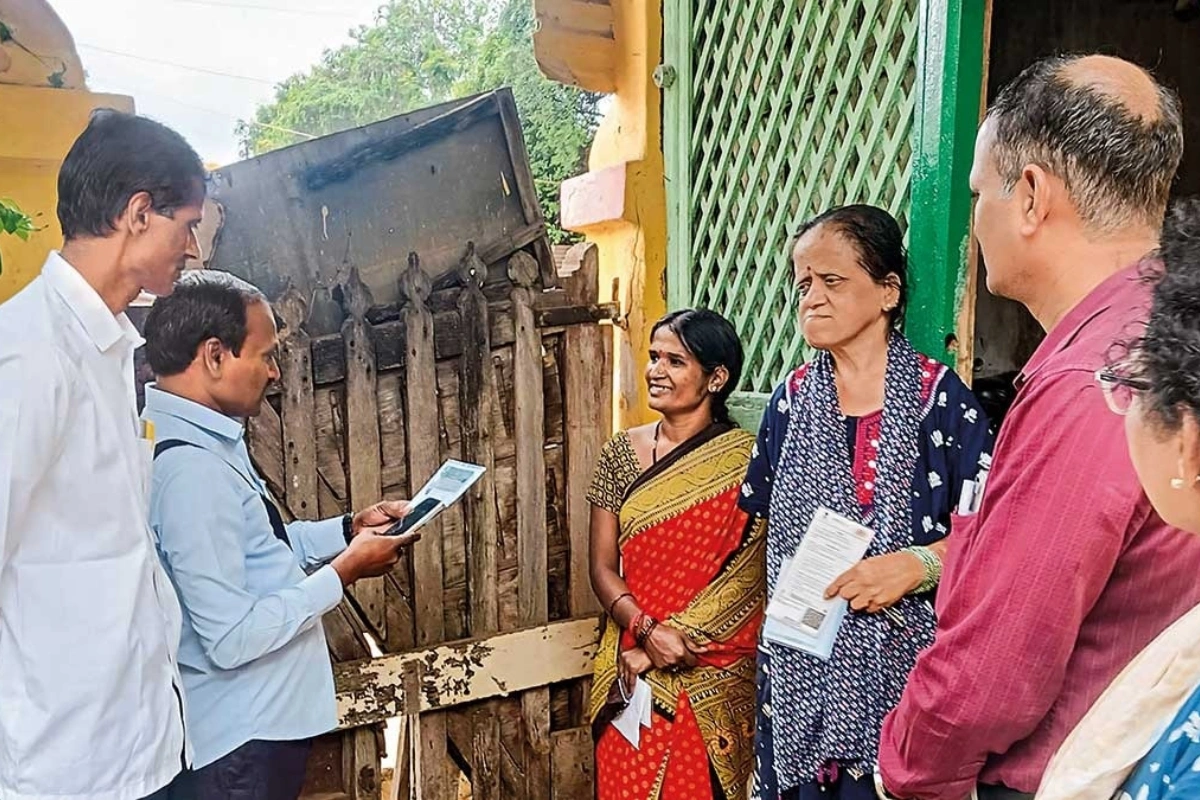
UP Census Alert: Looking for guidance on how to self-enumerate yourself and your family living in the state of Uttar Pradesh?
The first data collection round for Census 2027 would start with self-enumeration exercises in the state, starting from May 7 to May 21, 2026. The house-listing phase would start from May 22. The final population enumeration for the state would be carried between February 9 and February 28 next year in 2027. The district-specific dates would be announced at a later stage.
UP Census Alert-Dates For Uttar Pradesh
Residents in all districts of the state of Uttar Pradesh could self-enumerate themselves between May 7 and 21 by submitting few household details online via a dedicated portal.
The online mode of self-enumeration allows households in the state to fill in their information digitally for the first time ever. Upon successful completion of their information online, residents would receive a unique code that should be provided to the enumerators during the verification phase.
Steps To Register Yourself And Your Family
To get started, you would need to visit the website of Census of India 2027 here. Thereafter, you need to select Uttar Pradesh as the state and fill in the captcha code and click on verify & proceed. Thereafter, you would need to register your mobile number so that a one-time password (OTP) could be verified. One household is required to use only a single mobile number.
Firstly, you would need to mention name of the Head of Household. Once registered, this name would not be allowed to change. You need to choose the desired language of communication such as Hindi, English, and Bengali etc. After OTP verification, you would need to choose the district and enter your pin code before entering the name of your town, village or a nearby landmark and then clicking on search.
Once these steps have been completed, you would come across interactive mapping with a red marker. You need to drag the marker exactly on the residence to identify the residential building’s exact location. Thereafter, you need to click on “save & next” before a confirmation message could be seen. Thereafter, you need to fill in household details such as nature of home construction, ownership of mobile/internet/vehicle, number of married couples in the home etc. After this, you need to click on “final submit” to receive a unique 11-digit SE ID that you need to share with the census enumerator when they visit your home.